If you are serious about owning crypto, a hardware wallet should be one of your first purchases. It is not just a gadget for advanced users. It is the beginner-friendly safety upgrade that helps keep your crypto keys away from hackers, malware, phishing sites, and exchange failures.
Crypto gives you direct ownership, but direct ownership comes with responsibility. If someone gets your recovery phrase or tricks your wallet into signing a bad transaction, there may be no bank hotline, chargeback, or password reset that can undo the damage. A hardware wallet is designed to make that outcome much harder.
Quick recommendation: buy a hardware wallet before your crypto balance becomes painful to lose. If you already have more crypto than you would comfortably carry as cash, it is time to move it behind a hardware wallet.
Protect your crypto with a Ledger hardware wallet
Disclosure: this page contains a Ledger referral link. If you buy through it, Easy as Pie DeFi may receive a referral benefit, at no extra cost to you. We only recommend hardware wallets because self-custody security matters for beginners.
Why beginners need a hardware wallet
When you use crypto, what you are really protecting is not the coin itself. You are protecting the private keys that control the coin. Whoever controls those keys can move the assets.
Many beginners start with assets on an exchange or in a hot wallet browser extension. That is convenient, but it also means your crypto security depends heavily on internet-connected devices, passwords, browser behavior, and your ability to avoid every phishing attempt. A hardware wallet adds a dedicated security layer by keeping your private keys isolated on a physical device.
What a hardware wallet actually does
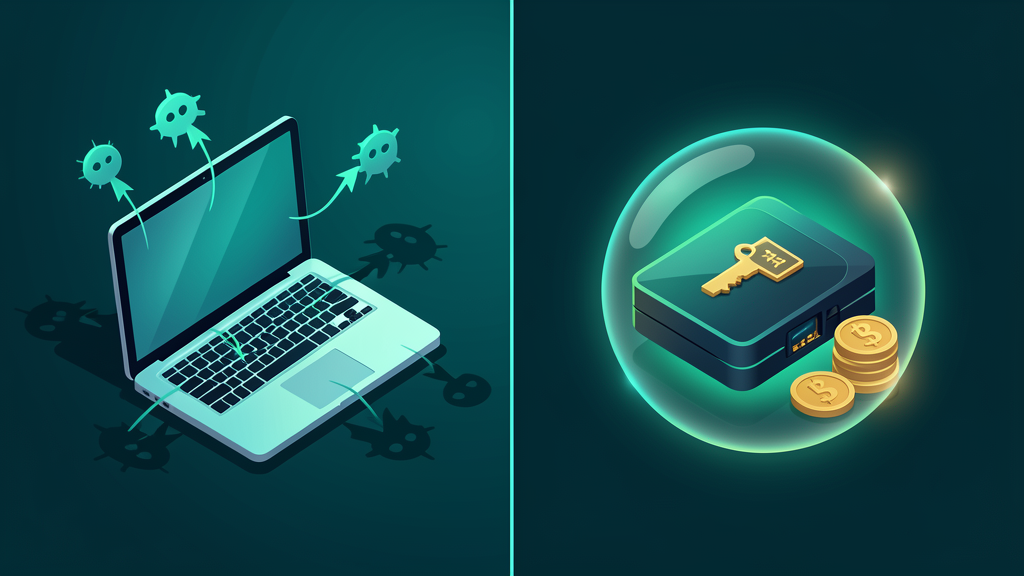
A hardware wallet is a small device built to store your private keys offline. When you send crypto or interact with DeFi, the transaction details are sent to the device for approval. The important part is that the private key does not need to leave the hardware wallet.
That matters because a normal computer or phone is exposed to more risk: malicious browser extensions, fake websites, clipboard malware, remote-access scams, and compromised downloads. A hardware wallet helps separate your signing keys from that everyday internet environment.
Hot wallet vs. hardware wallet
- Hot wallet: a wallet app or browser extension connected to the internet. Great for small balances and quick transactions, but more exposed.
- Hardware wallet: a dedicated physical signing device. Better for long-term holdings, larger balances, NFTs, DeFi positions, and assets you cannot afford to lose.
The best beginner setup is often both: use a hardware wallet for your main savings and long-term assets, then keep a smaller hot wallet for experiments, games, airdrops, or high-risk DeFi apps.
The biggest risks a hardware wallet helps reduce
- Exchange risk: if your assets sit on an exchange, you depend on that company’s custody, solvency, security, and withdrawal policies.
- Phishing risk: fake wallet pages and fake support agents try to steal recovery phrases or trick users into bad approvals.
- Malware risk: infected devices can monitor your clipboard, browser, or screen.
- Password risk: email and exchange accounts can be targeted with SIM swaps, leaked passwords, or social engineering.
- Beginner mistake risk: a hardware wallet forces an extra confirmation step, giving you a moment to slow down before signing.
A hardware wallet is not magic. It will not protect you if you type your recovery phrase into a fake website or approve a malicious transaction without reading it. But it does remove one of the biggest beginner risks: keeping your signing keys directly exposed on an internet-connected device.
Why Ledger?
Ledger is one of the most widely known hardware wallet brands and supports a large range of crypto assets. Ledger’s product pages describe support for thousands of coins and NFTs, and the Ledger Live app gives beginners a central place to manage assets, install apps, and connect to supported services.
For beginners, the main reason to consider Ledger is simple: it gives you a dedicated device for self-custody instead of relying only on an exchange account or a browser wallet.
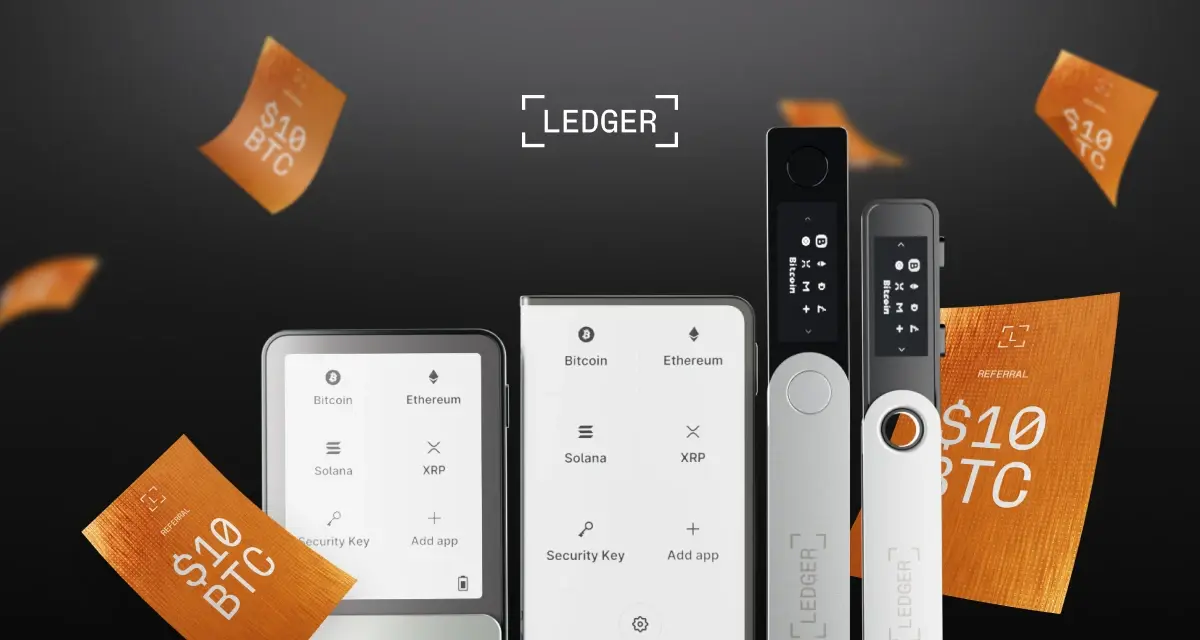
Shop Ledger through our referral link
Which Ledger should a beginner buy?
You do not need the most expensive model to improve your security. The right choice depends on how you plan to use it.
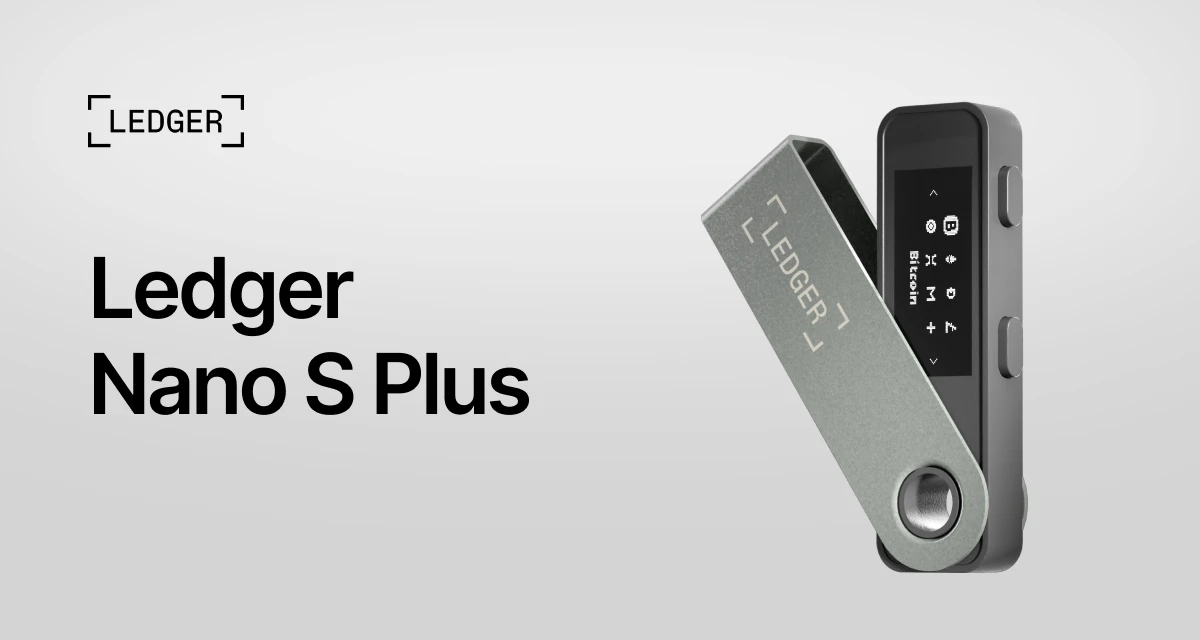
Ledger Nano S Plus
Best for: beginners who want affordable offline protection for long-term crypto storage.
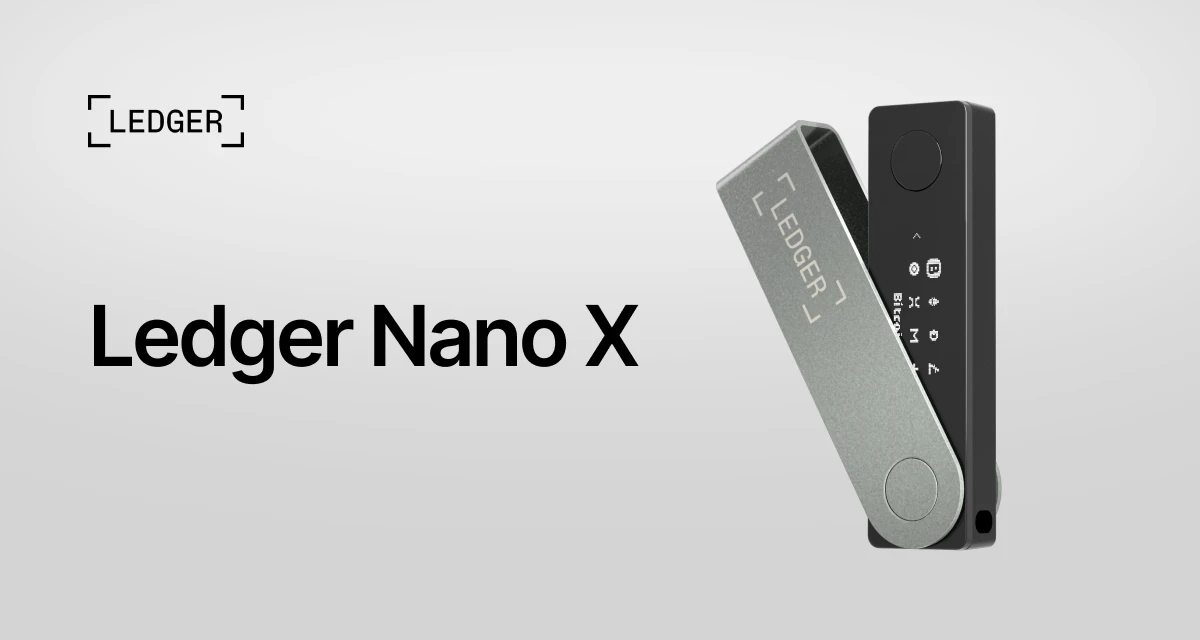
Ledger Nano X
Best for: users who want mobile-friendly self-custody and Bluetooth connectivity.
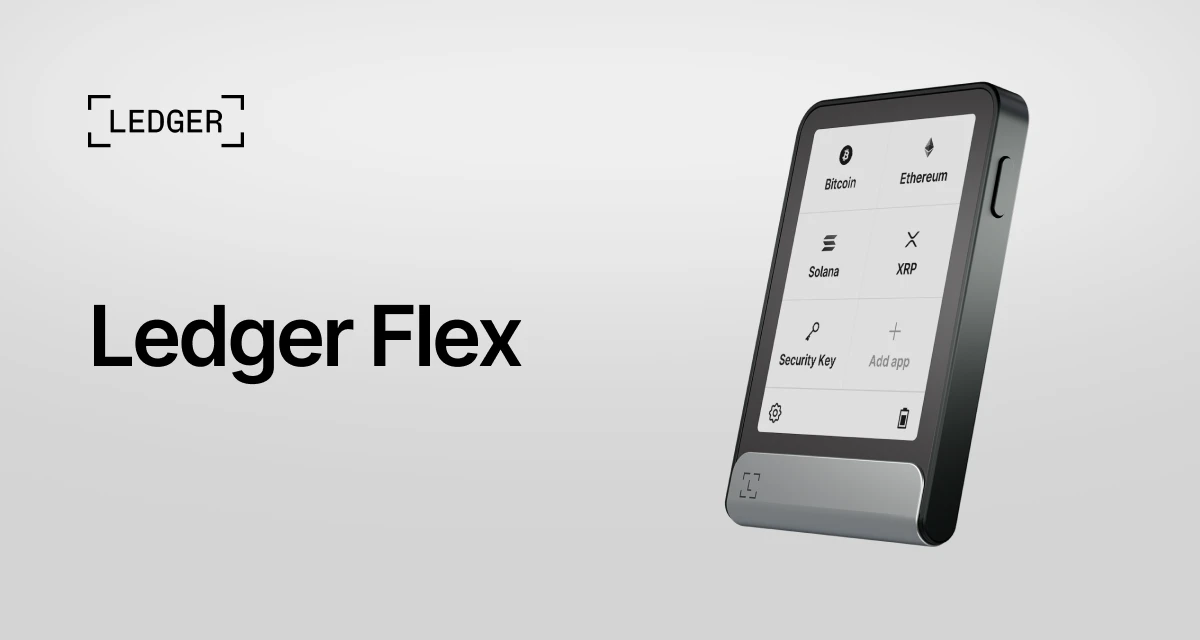
Ledger Flex
Best for: users who want a larger touchscreen-style experience and a more premium daily-use device.
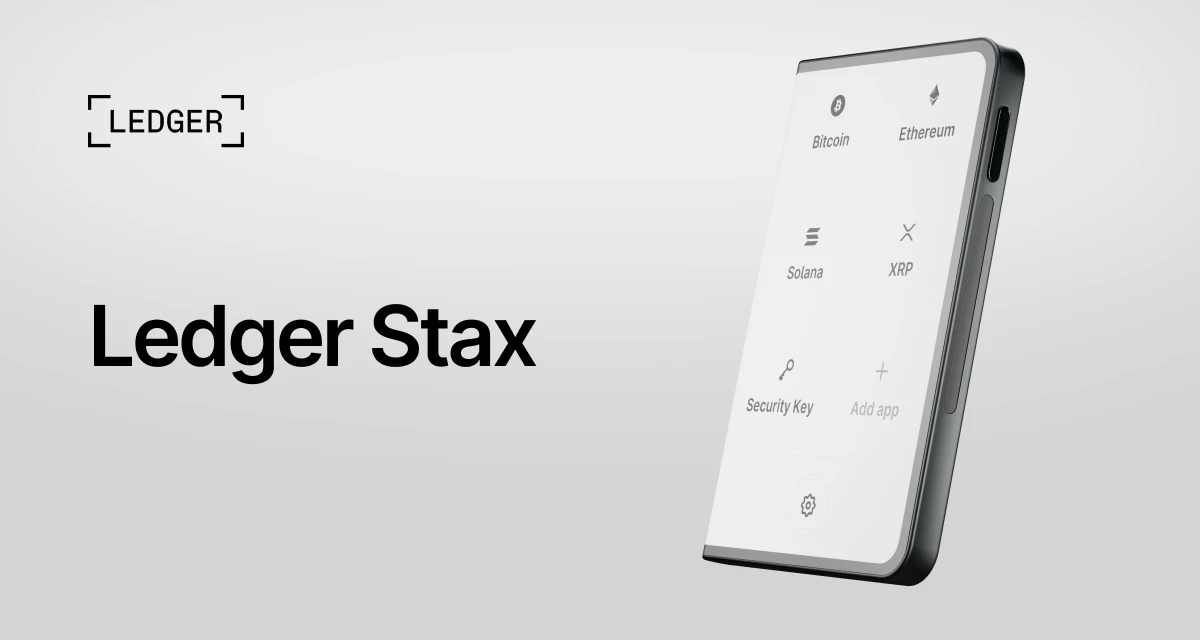
Ledger Stax
Best for: users who want Ledger’s premium design and display experience.
When should you move crypto to a hardware wallet?
A simple rule: if losing the amount would hurt, protect it with a hardware wallet.
- If you are holding crypto for months or years, use a hardware wallet.
- If you own NFTs or DeFi positions you care about, use a hardware wallet.
- If your exchange balance is growing, move long-term holdings into self-custody.
- If you are learning DeFi, keep your main funds separated from your experimental wallet.
Beginner setup checklist
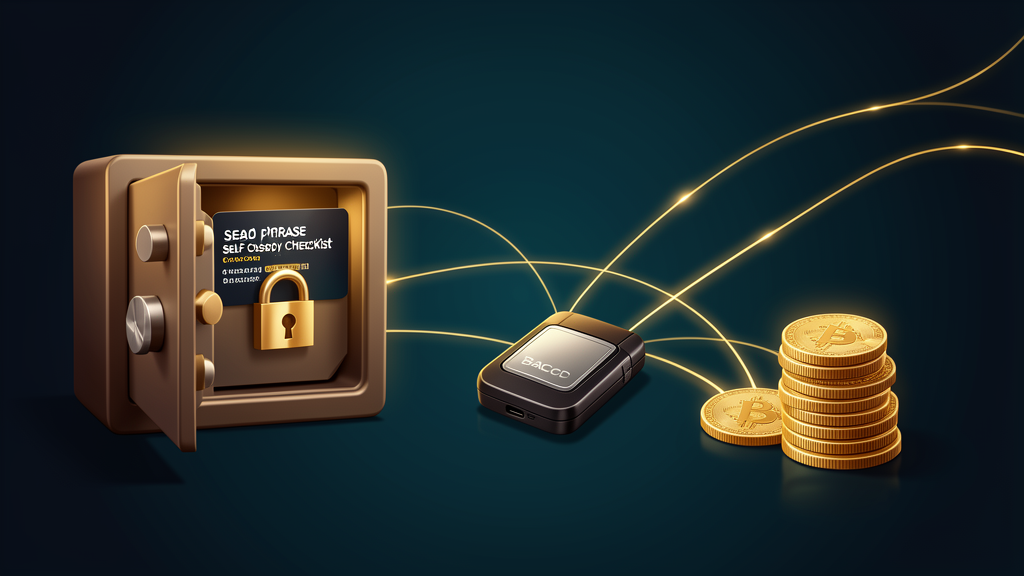
- Buy directly from the official source. Avoid secondhand devices and suspicious marketplace listings.
- Set it up in a calm environment. Do not rush the recovery phrase step.
- Write the recovery phrase offline. Never save it in a cloud note, photo gallery, email, or password manager screenshot.
- Store the phrase somewhere safe. Consider a fire-resistant safe or metal backup if the balance is significant.
- Do a small test transaction first. Send a tiny amount, confirm it arrives, then move larger funds.
- Keep a separate hot wallet for risky activity. Do not connect your main vault wallet to every new mint, airdrop, or unknown DeFi app.
- Never share your recovery phrase. Ledger, Easy as Pie DeFi, support agents, and legitimate apps will never need it.
Common beginner objections
“I only have a small amount of crypto.”
That is exactly when to learn. It is much easier to practice self-custody with a small balance than to figure it out later when the stakes are higher.
“Isn’t an exchange easier?”
Yes, exchanges are convenient. But convenience is not the same as control. A hardware wallet teaches you the most important crypto skill: how to hold assets yourself.
“What if I lose the device?”
Your recovery phrase is the true backup. If the device is lost or damaged, you can restore access using the recovery phrase on a compatible wallet. That is why protecting the phrase is so important.
“Can a hardware wallet still be hacked?”
No security tool makes you invincible. The main danger usually becomes human error: entering the recovery phrase into a fake site, approving malicious transactions, or buying a compromised secondhand device. Used correctly, a hardware wallet significantly improves your security posture.
Make your first serious crypto security upgrade
Buying crypto is only step one. Protecting it is the step that makes you a real owner. A hardware wallet helps you move from “I have a balance on an app” to “I control my assets.”
If you are new to crypto, DeFi, or NFTs, do not wait until after a scare to take security seriously. Start with a hardware wallet, learn how recovery phrases work, and keep your long-term assets separated from risky online activity.
Get a Ledger hardware wallet and protect your crypto
Educational disclaimer: this page is for general crypto security education, not financial advice. Hardware wallets reduce important risks, but they do not eliminate every risk. Always verify websites, protect your recovery phrase, and only use products you understand.