
Heads up: our current wallet recommendation for new DeFi users is Rabby, not Phantom — Rabby has better transaction simulation, clearer approval handling, and stronger HyperEVM support. We keep this Phantom guide for readers who specifically want Phantom for Solana or for Phantom Perps. If you are still picking a wallet, start with Setting up Rabby Wallet or our Rabby vs MetaMask breakdown.
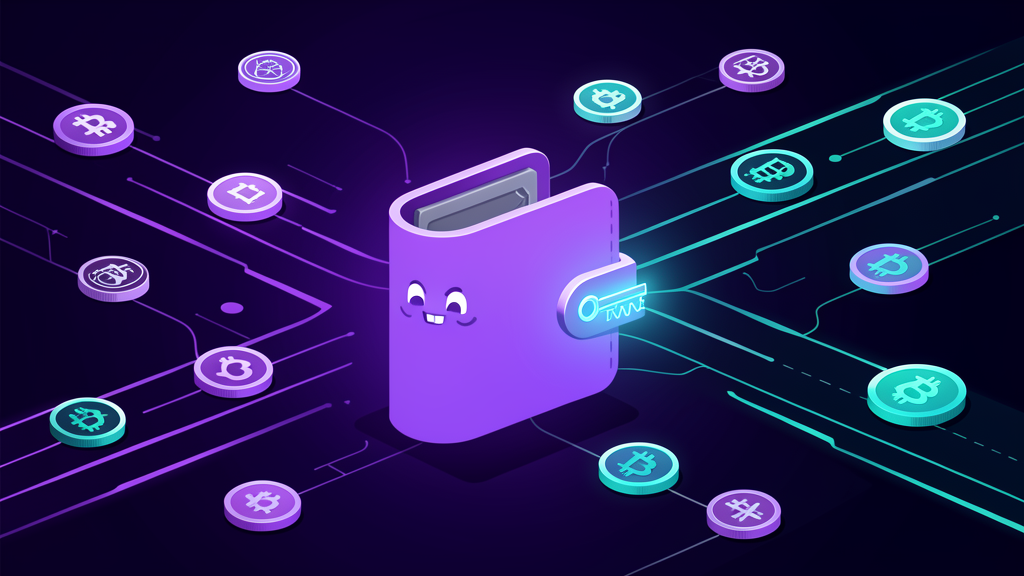
Phantom Wallet is one of the easiest ways for beginners to start managing crypto under their own custody. Instead of leaving everything on an exchange, Phantom lets you hold assets in a self-custodial wallet, connect to apps, buy and swap tokens, manage NFTs, use a hardware wallet, and even access perpetual futures through Phantom Perps powered by Hyperliquid.
This guide explains Phantom in plain English: what it is, how custody works, how to protect your recovery phrase, how to connect a hardware wallet, how to buy tokens across supported chains, and how beginners should think about perps risk before trading with leverage.
Beginner takeaway: Phantom is a self-custody wallet. That means you control the wallet, but you are also responsible for protecting it. Start small, secure your recovery phrase, use a hardware wallet for larger balances, and do not trade perps until you understand liquidation risk.

What is Phantom Wallet?
Phantom is a crypto wallet app available as a browser extension and mobile app. It started as a Solana wallet and has grown into a multi-chain wallet for managing assets across networks such as Solana, Ethereum, Bitcoin, Base, and Sui, with supported networks changing over time as Phantom expands.
In beginner terms, Phantom is your home base for crypto. You can use it to:
- Hold tokens and NFTs in your own wallet.
- Receive crypto from an exchange or another wallet.
- Buy crypto through supported on-ramp providers.
- Swap tokens and bridge between supported chains.
- Connect to DeFi apps, NFT marketplaces, and other web3 apps.
- Use a Ledger hardware wallet for extra protection.
- Access Phantom Perps, powered by Hyperliquid, where available.
You can download Phantom from the official site here: phantom.com/download. Always use the official download page, not a search ad or random link.
Self-custody: what “your wallet, your assets” really means
When crypto is on a centralized exchange, the exchange controls the wallet keys and gives you an account balance. That can be convenient, but it also means your access depends on the exchange’s systems, policies, and security.
Phantom is different because it is self-custodial. Phantom says only you have access to your funds and that Phantom never stores your credentials or has access to your account. The practical meaning is simple: you control the keys, and the wallet lets you sign transactions directly.
The tradeoff is responsibility. If you lose your recovery phrase, send funds to the wrong address, or approve a malicious transaction, there may be no customer-support button that can reverse it. Self-custody gives you more control, but it also requires better habits.
Your recovery phrase is the master key
When you create a wallet, Phantom can help you set it up with a Google or Apple account, or with a Secret Recovery Phrase. Phantom’s own beginner guide notes that wallets still have a 12-word Secret Recovery Phrase that can be exported as an additional backup.
For beginners, the most important rule is this:
- Never share your recovery phrase with anyone.
- Never type it into a website.
- Never store it as a screenshot, cloud note, email, or chat message.
- Write it down offline and store it somewhere safe.
If someone gets your recovery phrase, they can restore the wallet and move the funds. Phantom support, Easy as Pie DeFi, a Discord moderator, a Telegram admin, or a “help desk” account will never need your recovery phrase.
How to hold crypto assets in Phantom
Once Phantom is installed, you can use it like a crypto vault and a web3 login at the same time. The basic flow looks like this:
- Download Phantom from the official website. Use phantom.com/download.
- Create a new wallet or import an existing one. Follow Phantom’s setup flow and back up your recovery phrase.
- Copy your receive address for the right network. Make sure the token and chain match. Sending an asset to the wrong chain can be costly or unrecoverable.
- Send a small test amount first. Before moving a large balance, test with a small transfer.
- Keep long-term holdings separate from risky activity. Use one wallet for savings and another smaller wallet for experimenting with new apps.
Phantom’s deposit guide walks users through copying deposit addresses for assets like ETH, MATIC, and SOL. The key beginner lesson is to always double-check both the address and the network before sending.
Using a hardware wallet with Phantom
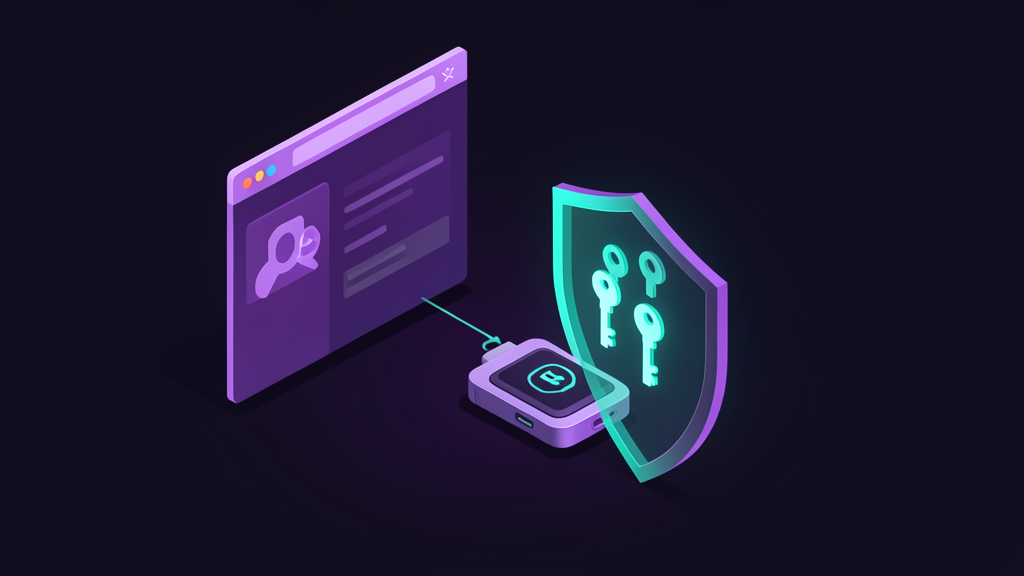
A hardware wallet is a physical device that stores private keys offline. Phantom’s security page says users can connect a Ledger to keep crypto even safer, and Phantom’s crypto wallet guide notes that Phantom supports Ledger hardware wallets.
Why does this matter? A normal software wallet is convenient, but it lives on an internet-connected phone or computer. A hardware wallet adds a second layer: transaction approvals happen through the physical device, helping keep the most sensitive keys away from everyday browser and malware risk.
A beginner-friendly setup is:
- Use Phantom as the interface. Phantom makes it easy to view balances, connect to apps, and prepare transactions.
- Use Ledger as the key storage layer. The hardware wallet signs transactions after you review them.
- Keep your recovery phrase offline. Your Ledger recovery phrase should never be entered into Phantom, a website, or a support form.
- Use a hot wallet for small experiments. Keep large holdings in the Ledger-connected account and smaller amounts in a separate wallet for new apps.
This gives beginners the best of both worlds: Phantom’s simple user experience and the stronger key isolation of a hardware wallet.
Buying crypto and tokens in Phantom
Phantom can help beginners buy crypto directly in the wallet through supported on-ramp providers. Phantom’s guide mentions provider options such as MoonPay, Coinbase Pay, and Robinhood, though availability depends on your region, device, and current app support.
You can also buy from a centralized exchange and send assets into Phantom. This is often how beginners start:
- Buy a supported asset on an exchange.
- Open Phantom and choose the asset/network you want to receive.
- Copy the receive address.
- Paste it into the exchange withdrawal page.
- Confirm that the chain/network matches.
- Send a small test transaction first.
Once assets are in Phantom, users can explore supported token swaps, bridges, and apps. Phantom’s trade and explore pages highlight token discovery, cross-chain trading, and buying/selling tokens across supported ecosystems.
Buying tokens on other chains Phantom supports
One reason Phantom is useful for beginners is that it reduces the need to juggle multiple wallets. Instead of using one wallet for Solana, another for Ethereum, and another for Base or Sui, Phantom gives many users a single interface for supported networks.
Beginners can use Phantom to:
- Search for tokens by name or contract address.
- Filter by blockchain when exploring assets.
- Swap tokens where supported.
- Bridge assets between supported chains when a bridge route is available.
- Connect to apps on Solana, Ethereum, Base, Sui, and other supported ecosystems as Phantom expands.
Beginner warning: token buying is where scams get common. Always verify the token address, avoid random links from social media, and treat unsolicited airdrops or NFTs as suspicious. Phantom has scam detection and safety features, but you should still assume that every unknown token, link, or signature request could be malicious.
Trading perps through Phantom and Hyperliquid
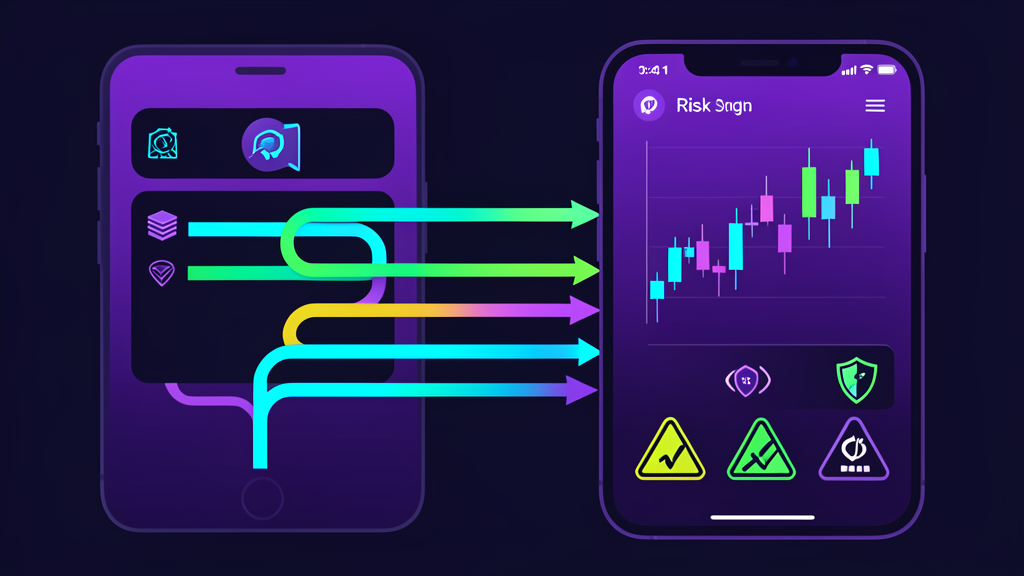
Phantom now offers Phantom Perps, a perpetual futures experience powered by Hyperliquid. Phantom’s perps page describes the product as a way to go long or short with leverage and trade hundreds of markets from mobile or web, where available.
In plain English, a perp is a leveraged trading contract. You are not buying the token itself. You are opening a position based on whether you think the price will go up or down. With Phantom Perps, users can open, close, and manage positions inside Phantom instead of using a separate pro-trading interface.
Phantom’s perps materials describe features like:
- Long or short positions.
- Leverage settings.
- Market and limit-style order choices.
- Stop loss and take profit tools.
- Position tracking and risk management.
- Funding a perps balance using Solana assets, with conversion into USDC on Hyperliquid.
Perps are powerful, but they are not beginner-safe by default. Leverage can amplify gains and losses, and positions can be liquidated if the market moves against you. Phantom’s own risk language warns that perps are not available in all jurisdictions, involve substantial risk, and may not be suitable for all users.
A simple beginner workflow
If you are new, use Phantom in stages:
- Stage 1: Learn custody. Install Phantom, create a wallet, back up the recovery phrase, and receive a small test amount.
- Stage 2: Learn transfers. Practice sending and receiving small amounts on one chain.
- Stage 3: Learn swaps. Make a small token swap and pay attention to network fees, slippage, and token addresses.
- Stage 4: Add a hardware wallet. Move meaningful long-term balances to a Ledger-connected Phantom account.
- Stage 5: Explore cross-chain activity. Try supported bridges and apps with small amounts only.
- Stage 6: Study perps before trading. Understand leverage, liquidation, funding rates, and stop losses before opening any Hyperliquid-powered perps position.
Security checklist for Phantom beginners
- Download Phantom only from phantom.com/download.
- Write your recovery phrase offline and keep it private.
- Never enter your recovery phrase into any website.
- Use a hardware wallet for assets you cannot afford to lose.
- Use separate wallets for long-term holdings and risky experiments.
- Verify token contract addresses before buying.
- Do not trust unsolicited NFTs, airdrops, DMs, or “support” accounts.
- Read transaction prompts carefully before signing.
- Start with small test transactions.
- Avoid high leverage until you fully understand perps risk.
Who Phantom is best for
Phantom is a good fit for beginners who want a simple wallet that can grow with them. You can start with basic self-custody, then gradually learn swaps, bridges, NFTs, DeFi apps, hardware wallet security, and perps.
It is especially useful if you want one wallet experience across multiple ecosystems instead of managing several separate wallets. But remember: the easier the app feels, the more important your security habits become. Self-custody is powerful because you are in control. That also means you are the final line of defense.
Final thoughts
Phantom Wallet is more than a place to hold tokens. It is a beginner-friendly gateway to self-custody, cross-chain token activity, hardware wallet security, and Hyperliquid-powered perps. Used carefully, it can help you move from passive exchange user to active crypto owner.
Start with custody. Protect your recovery phrase. Add a hardware wallet for larger balances. Learn cross-chain swaps slowly. And if you trade perps, treat leverage as an advanced tool, not a shortcut.
This guide is for educational purposes only and is not financial advice. Crypto assets, DeFi apps, bridges, and perpetual futures all involve risk. Always do your own research and never risk funds you cannot afford to lose.